How to Align the Text with the Line
in OneNote Planner
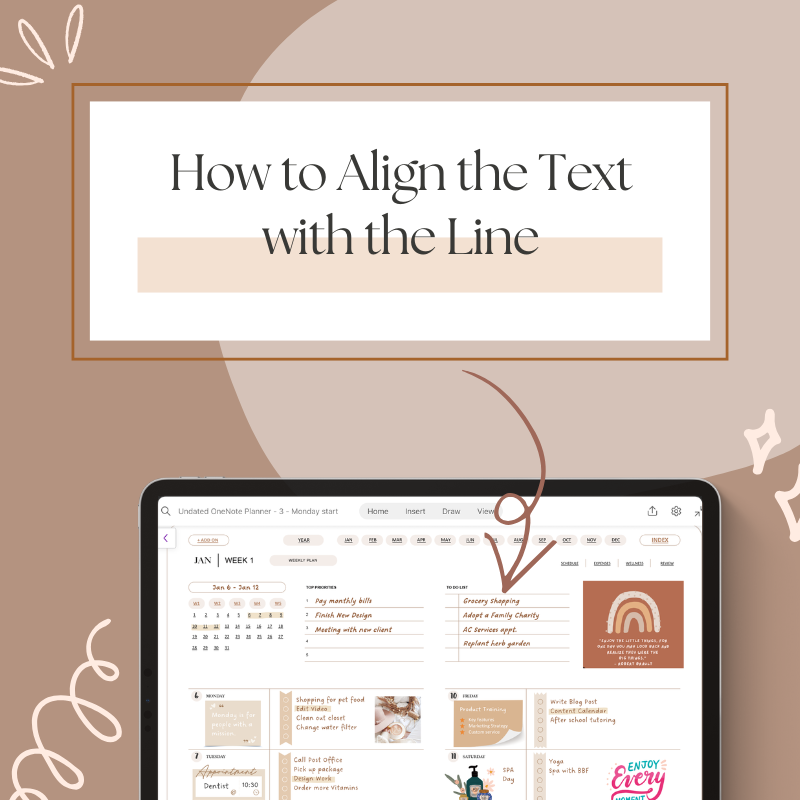
Aligning text with lines in OneNote can be tricky. Just follow the steps you can take to resolve this issue effectively.
For Windows and Web users
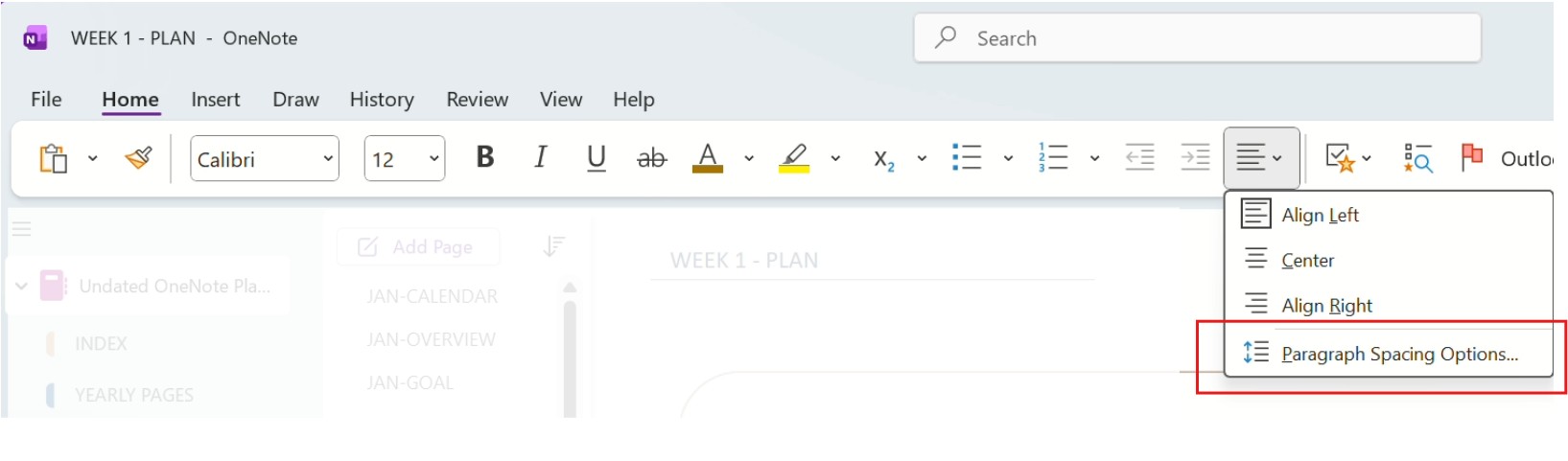
You can achieve this by using the “Paragraph Spacing Options“.
Please note, this “Paragraph Spacing Options” is ONLY available on the OneNote Desktop version in Windows and Web version.
For Mac, iPad, or Android Tablet users
There is NO “paragraph spacing options” option when using OneNote on a MacBook, iPad, or any Android tablet.
For Mac users, you can adjust the font or font size to create spacing.
For iPad and tablet users, simply use a stylus pen to write on the planner, and that will work fine.
Click HERE to read the article titled “Change the line spacing in OneNote” from the Microsoft support center.
Hello!
I'm Dan
A digital planner creator. Using digital planners has been a game-changer for my life and work. Now, I am creating effective digital planners and organizational tools to help you make your life and work more efficient.