
You can use the OneNote planner on mulitiple devices, such as laptop, MacBook, iPad, tablet, or phone.
READ MORE →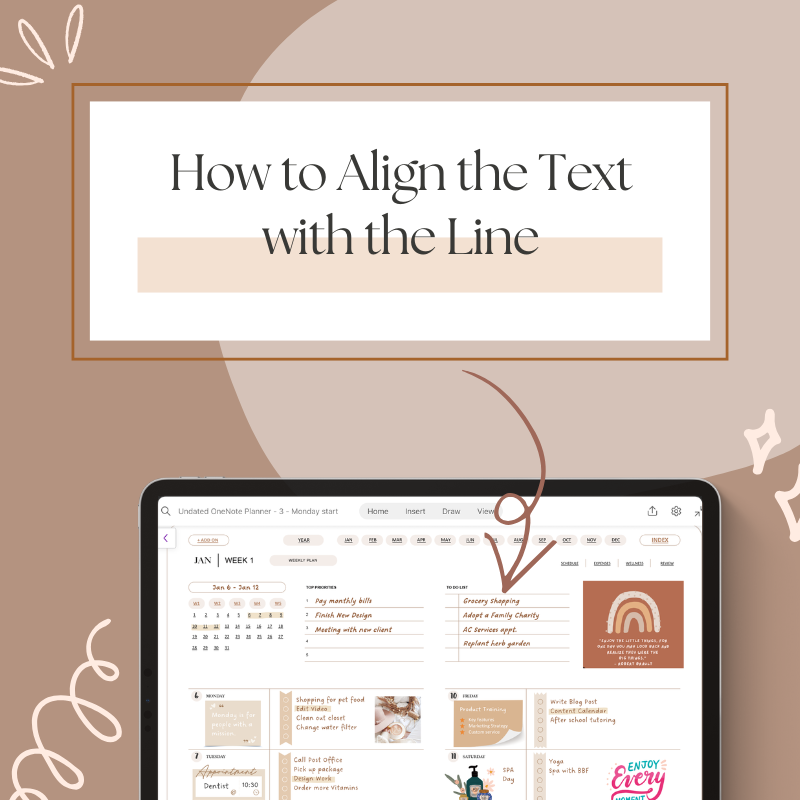
How to Align the Text with the Line
Align the text with line in OneNote sometimes will be little tricky. This tips will help you to do that...
READ MORE →
How to use a OneNote Planner with Multiple Microsoft accounts
Sometimes, you may want to use a OneNote planner with different Microsoft accounts, such as your work and personal accounts,...
READ MORE →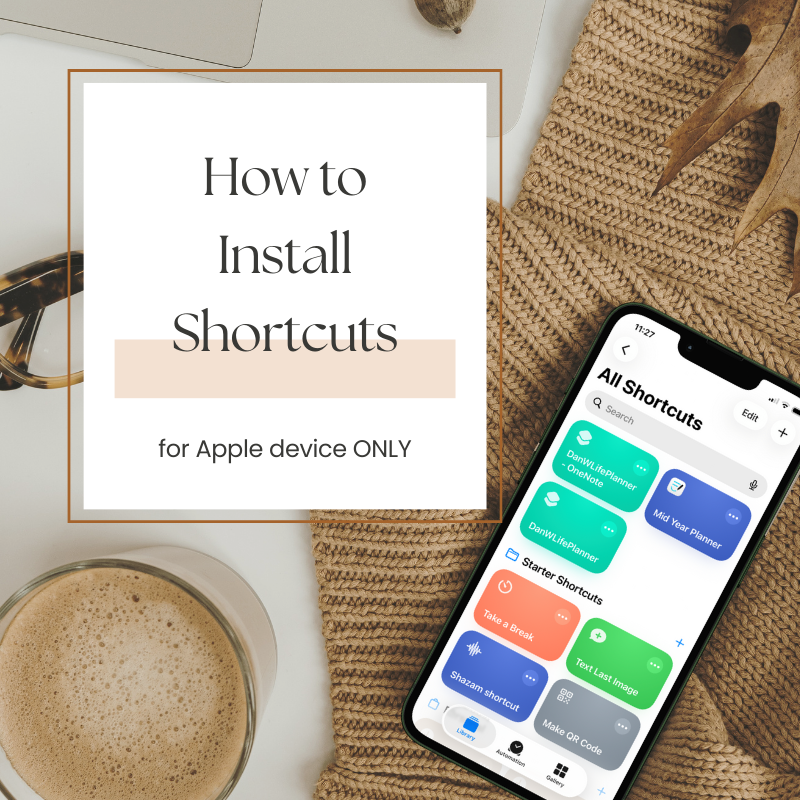
How to Install Shortcuts
For Apple devices users, in order for Apple Calendar, Apple Reminder, and Google Calendar links to work from OneNote or...
READ MORE →
How to Add Date to an Undated OneNote Planner
There are multiple ways to add the date to an undated OneNote planner.
READ MORE →
How to add Multiple Stickers/Images to OneNote Planner
Easily add multiple stickers will make you plan more effectivly.
READ MORE →
How to Modify a OneNote Planner with Image Background
By using stickers or widgets, you can also modify a OneNote planner that has the image background.
READ MORE →
How to Customize a fully Editable OneNote Planner
You can customize any thing you prefer on a fully editable OneNote planner. I will show you how to change...
READ MORE →
OneNote Tips & Tricks
I’m sharing my three most frequently questions used on OneNote planner, which will help you use the planner better.
READ MORE →